
Cybersecurity refers to the practices used to protect systems, networks and data from unauthorized access or destruction. Every connected device, from a smartphone to a thermostat, is a potential entry point. Requests for help with data breaches have risen sharply in recent years, and reusing the same password across multiple services can turn a single breach into a cascade of fraudulent account access.
Compromised account: secure your email address before anything else
When an online account is hacked, the priority is not to change every password at random. Your primary email address is the linchpin of almost all your accounts: it’s where password reset links are sent.
First, change the password for that email address from a trusted device, then enable two-factor authentication if it isn’t already on. Next, revoke all active sessions. Most email providers (Gmail, Outlook, Yahoo) offer a page listing open sessions: close any that don’t match a device you recognize.
Once your email address is secured, check whether the compromised password was reused on other services. Tools such as your browser’s built-in password manager or a dedicated password manager can flag duplicates. Every account using the same password should be treated as potentially compromised.
For more on digital protection, Geekfinity’s security section explains common attack methods and how to defend against them.
Software updates and the Cyber Resilience Act: an overlooked buying criterion

Installing security updates as soon as they become available is one of the most effective steps you can take—and one of the most often neglected. These patches fix vulnerabilities that attackers are already exploiting. Putting off an update for a few weeks is like leaving a known faulty lock on your door.
This habit isn’t just for Windows computers or smartphones. Connected devices (cameras, routers, speakers) rarely receive automatic updates. Checking how long security updates will be provided before buying a connected device is becoming an important factor in choosing one.
The European Cyber Resilience Act, which entered into force in December 2024, requires manufacturers of products with digital components to meet cybersecurity obligations, including monitoring vulnerabilities. The Act doesn’t remove the need for users to take their own precautions, but it does make it reasonable to expect clear information about how long a product will be supported.
Backups: why cloud syncing isn’t enough
Many users think their files are protected because they sync to a cloud service. A synced backup isn’t a recovery backup. If ransomware encrypts local files, the changes are synced to the cloud folder, making the cloud copy just as unusable.
France’s data protection authority, the CNIL, recommends keeping at least one offline copy (for example, an external hard drive that’s unplugged after the backup) and regularly testing the restore process. Testing means actually opening a restored file, not just checking that it exists.
A reliable backup strategy has three components:
- A local copy on physical media disconnected from the network after each backup, to protect against ransomware and accidental deletion.
- A remote copy (in the cloud or at a second location) to protect against theft, fire or failure of the local storage device.
- A restore test at least once a quarter, because a backup that can’t be restored is worthless.
Phone phishing: call back using the official number
Phishing no longer happens only by email. Phone scams involving caller ID spoofing are on the rise. A caller claims to be from your bank, displays a number that looks genuine and asks you to take urgent action (approve a transfer or share a code received by text).
Hang up, then call back using the official number printed on your bank card to thwart this tactic. Caller ID spoofing only works for incoming calls: when you dial your bank’s number yourself, you can be sure you’re reaching the right people.
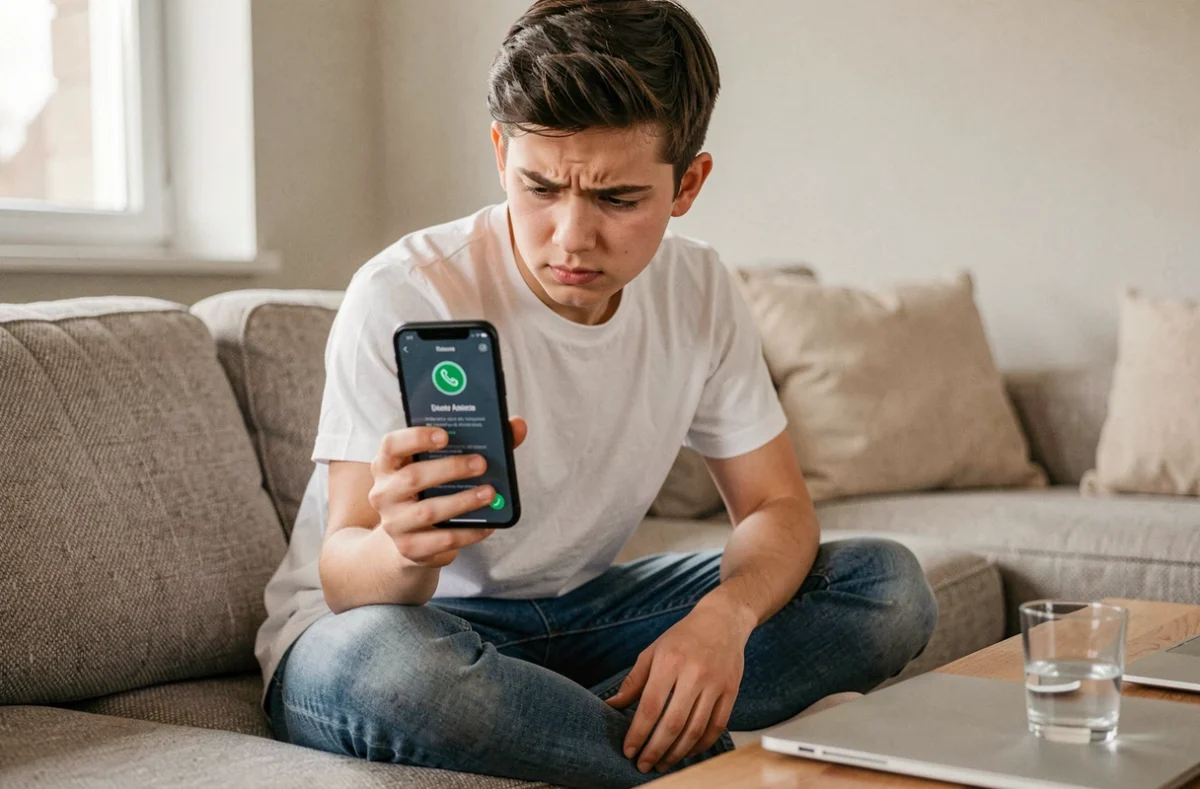
The same rule applies to text messages containing a link. No government agency or service provider will ask you to click a link in a text message to resolve an urgent issue.
Ransomware: disconnect from the network, not the device
When a screen displays a ransom demand, the first instinct is often to turn off the device. However, the guidance reported by Cybermalveillance.gouv.fr recommends a different approach: disconnect the device from the network without turning it off.
Unplug the Ethernet cable and disable Wi-Fi to prevent the ransomware from spreading to other devices in your home. Shutting down the device completely could erase traces in its memory that may be useful for analysis and possible data recovery.
What to do after disconnecting the device:
- Don’t pay the ransom: there’s no guarantee you’ll get your files back, and payment funds further attacks.
- Contact a specialist support service promptly, such as the Cybermalveillance.gouv.fr platform, which can direct you to approved providers.
- Preserve all visible evidence (screenshots of the ransom message, connection logs) to help with diagnosis and any potential police report.
Everyday cybersecurity depends less on sophisticated software than on taking the right steps at the right time. Securing your primary email address first, checking how long a device will receive support before buying it, and keeping a tested offline backup: these simple technical measures cover most of the situations an individual is likely to face.